Asana acquires StackAI — now every human-agent workflow runs in one place.Learn more



Customers that use Asana templates to work



![[Logo] Affirm](https://assets.asana.biz/transform/5c33f186-151e-4999-b0b5-4081f236b3cd/Affirm_logo-svg?io=transform:fill,width:2560&format=webp)





Related templates


![[Templates] Product Roadmap (Card image)](https://assets.asana.biz/transform/2728edf4-eb35-4dd5-8d03-25ba8cbe5864/TG23-web-thumbnail-028-scrumban-feature-static-2x?io=transform:fill,width:2560&format=webp)




Still have questions? We have answers.
Can I try strategic planning with Asana for free?
Why do I need software for strategic management?
Effective strategic management isn’t just about planning your business strategy, but also executing it. With Asana, you can set, track, and report on revenue-driving work to ensure your teams are always focused on the most important initiatives. Because work and reporting happen in the same place, it’s easy to track your critical initiatives and resolve issues before they become blockers.
How should I choose a strategic management tool?
Your strategic management platform should be more than just a planning tool. Look for software that allows you to plan, track, and report on work in one place. A good strategic management tool increases team and cross-team visibility so everyone understands how their work moves the business forward.
The best way to know if a strategic management tool is right for you is to try it. That’s why anyone can try Asana for free. Try Asana today.
How do I build a strategic marketing plan?
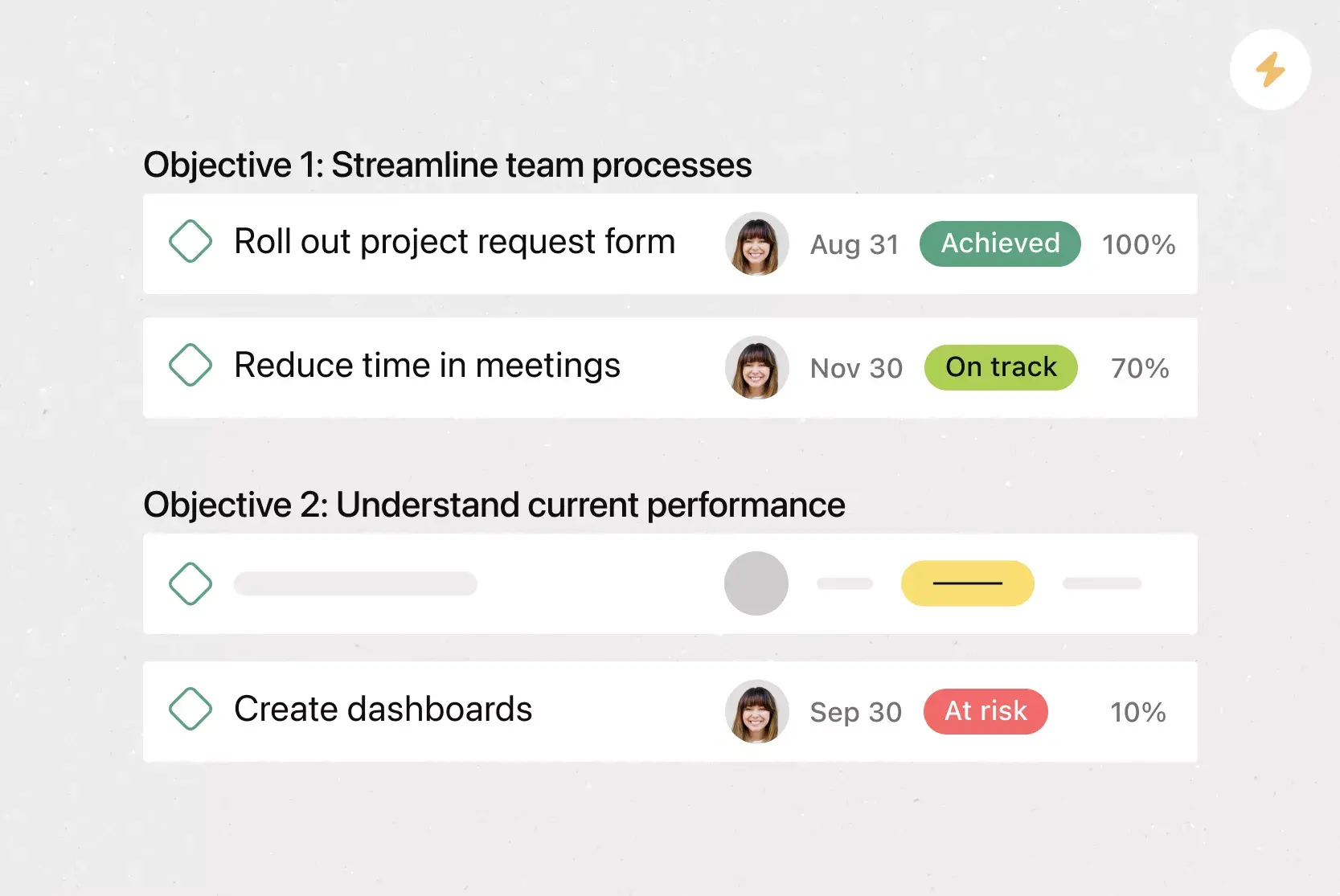
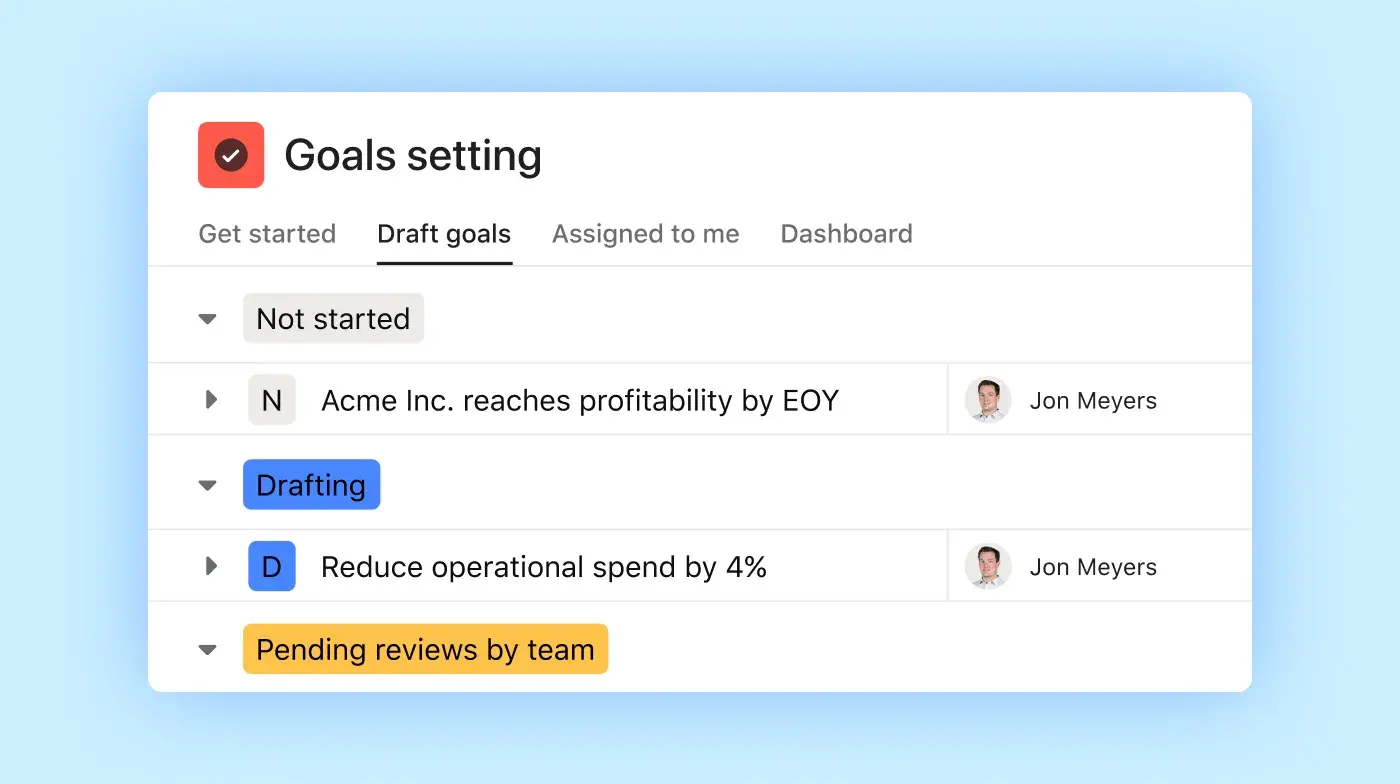
A strategic marketing plan can be built by using Portfolios and Goals to define objectives, assign initiatives, and track performance over time.
Are there templates for strategic marketing?
Yes, there are templates for strategic marketing as you can use the marketing strategic planning template to kick off cross-channel campaigns.
How can I align teams to the strategy?
Teams can be aligned to the strategy by linking campaign projects and goals into one portfolio for visibility across Marketing, Sales, and PR.
Can I visualize multi‑channel plans?
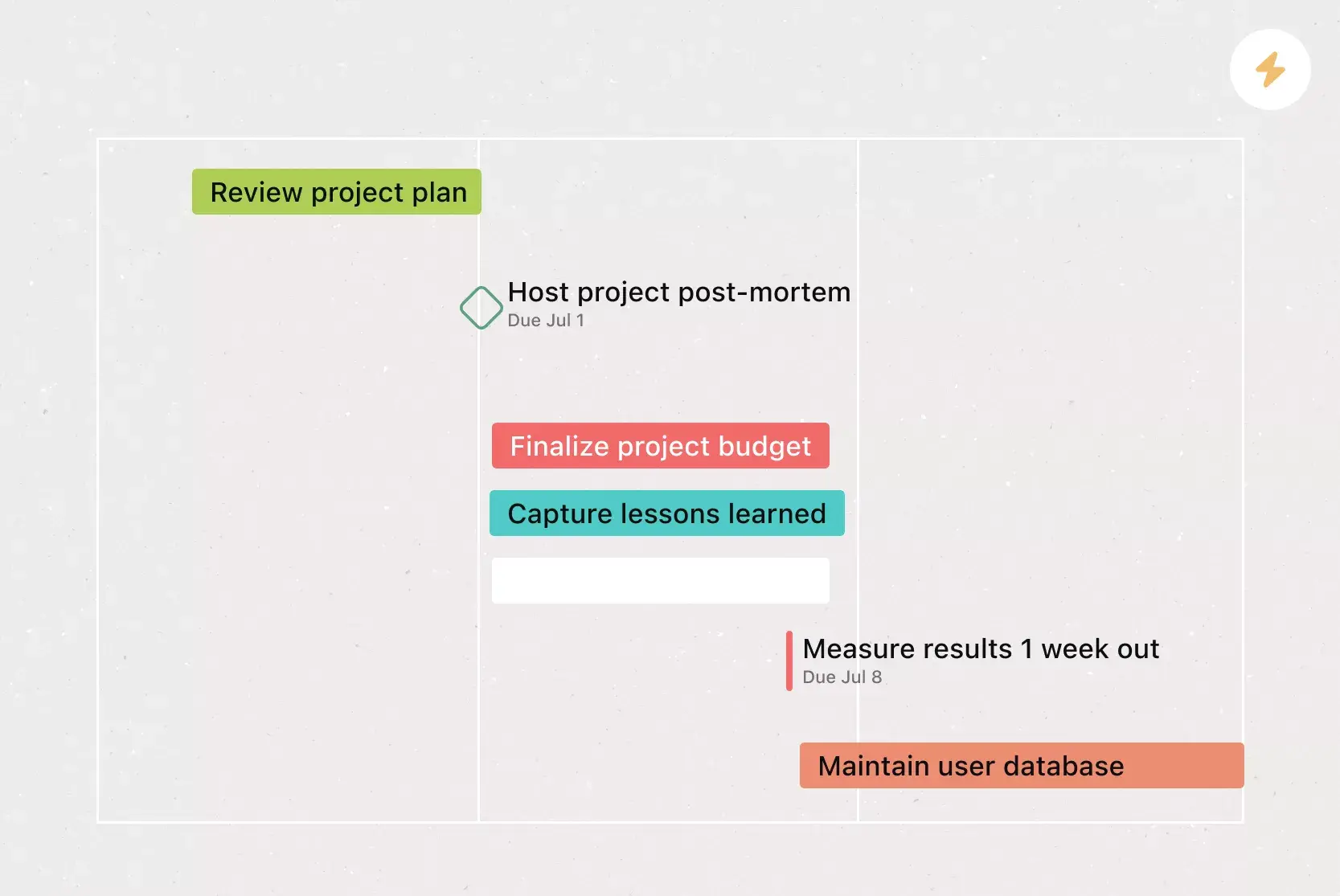
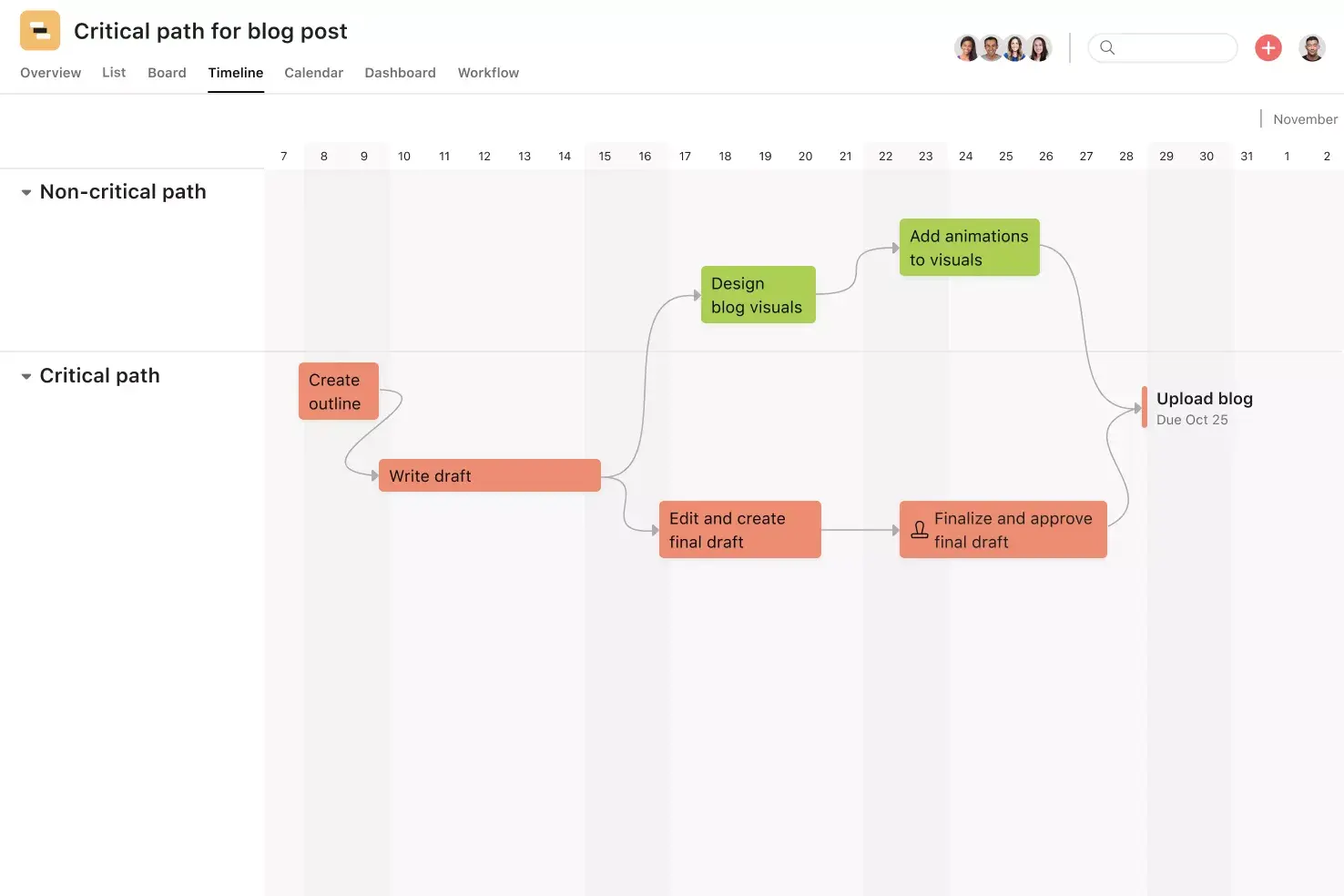
Yes, multi-channel plans can be visualized by using Timeline and Dashboard views to track tactics across channels and dates.
How do I track performance against KPIs?
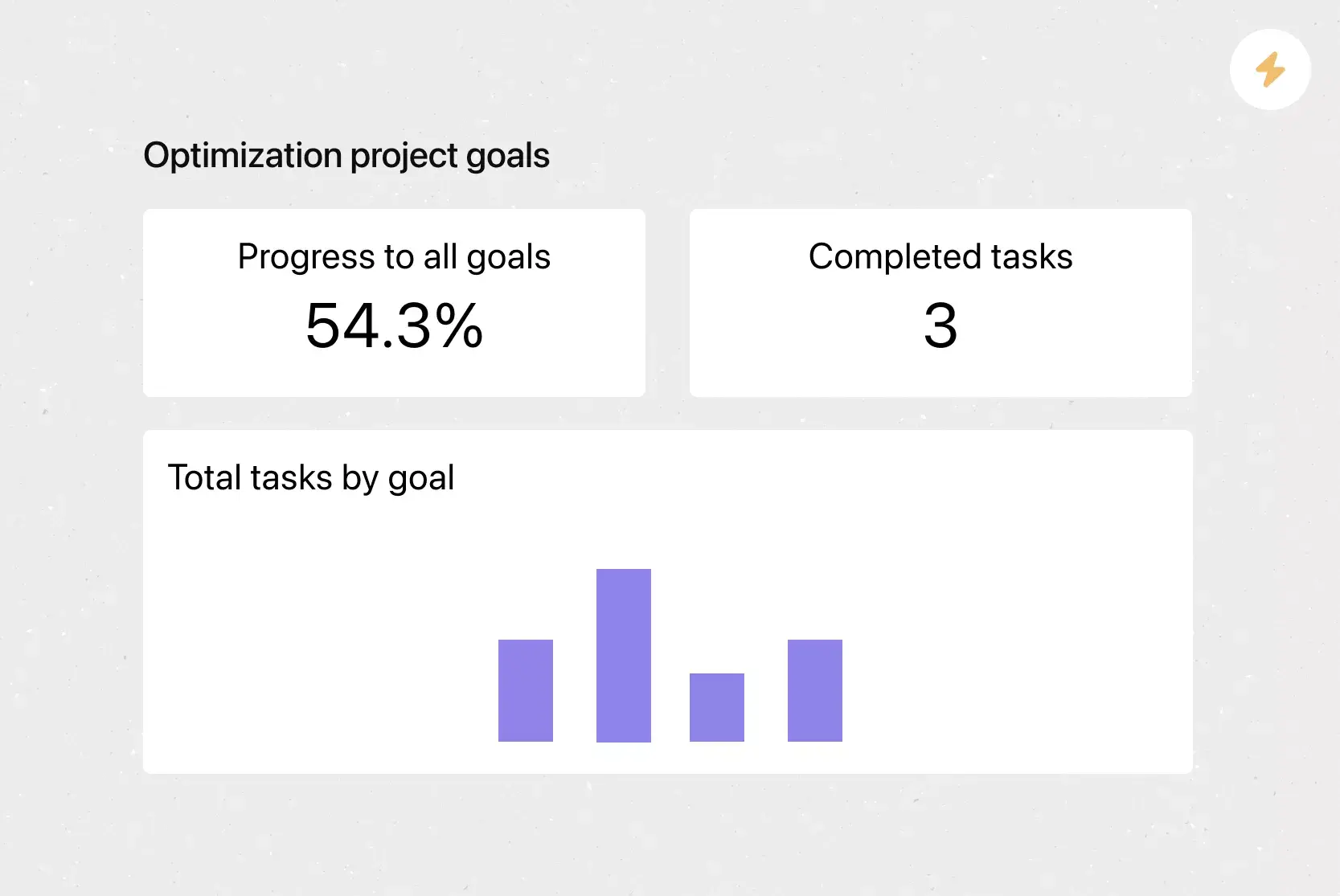
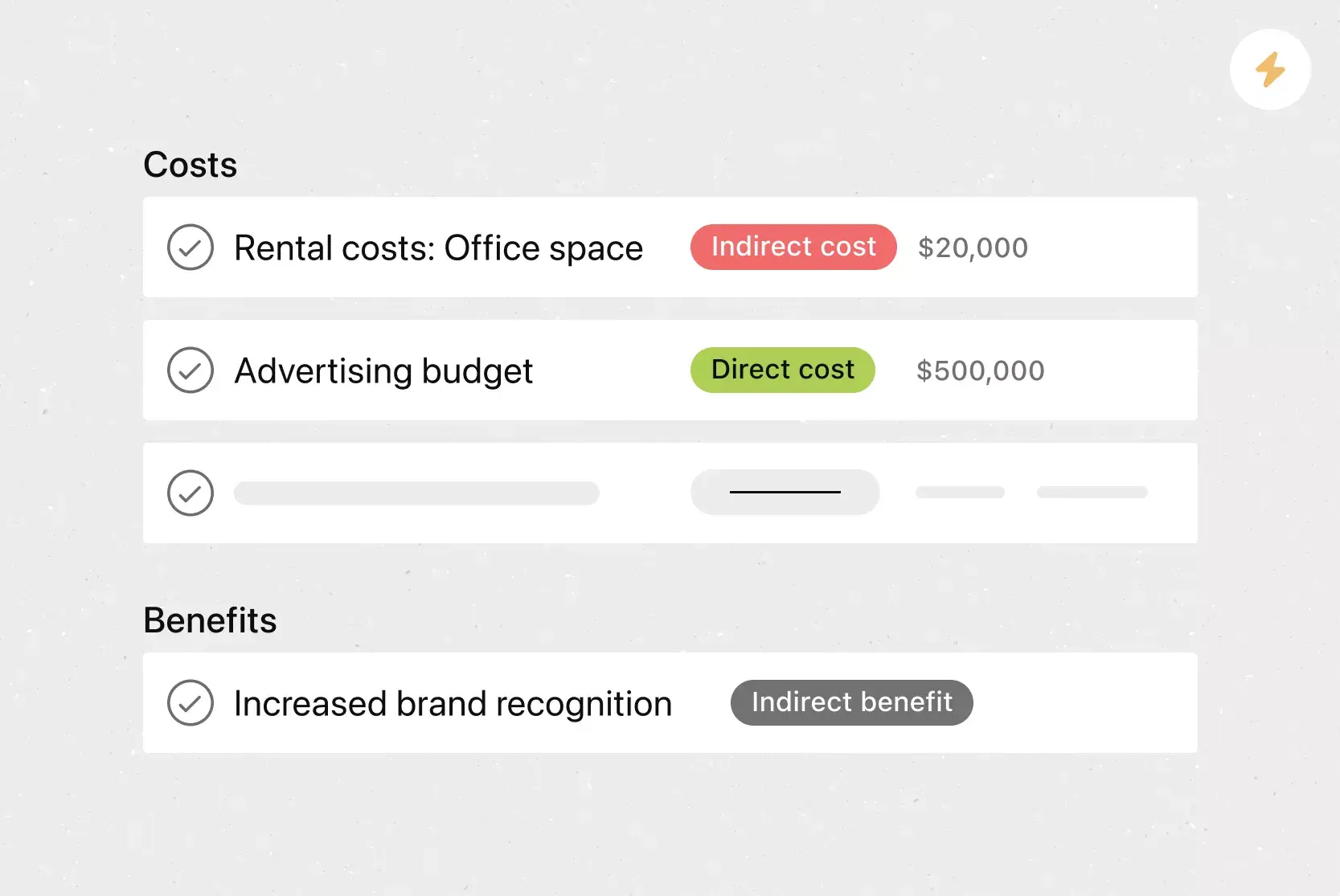
Performance against KPIs can be tracked by using custom fields, dashboards, and goal alignment to track metrics like ROI and engagement.
Can I automate plan updates?
Yes, plan updates can be automated by using Rules and Goals to adjust plan progress, notify stakeholders, and sync task status.
How do I manage resource allocation?
Resource allocation can be managed by using Workload view to balance team resources across strategic initiatives.
Can external agencies collaborate?
Yes, external agencies can collaborate by being invited as agency partners who are guests to specific portfolio projects.
Can I present my plan to executives?
Yes, your plan can be presented to executives by using status updates and dashboards for formal reporting and executive briefings.